Your first building
Units, grids, levels and building elements
Start a Revit project, set up grids and levels, and add walls, doors and windows.
Learning goals
- Explain BIM and Revit’s role in it.
- Set up project units, grids and levels.
- Check walls and openings in plan and 3D.
Week 7 · BIM & parametric design
Select a chapter to jump to a topic.
In this video 10 chapters
Week 7 · Basic Building · Part 1
Select a chapter to jump to a topic.
In this video 16 chapters
- Overview
- Tutorial introduction
- Create a project from the metric template
- Check project units
- Create and space the horizontal grids
- Create and label the vertical grids
- Add levels and their plan views
- Tile the plan and 3D views
- Place exterior walls and change their height
- Load and place the exterior door
- Load and place windows
- Revise window types and remove a duplicate
- Inspect the interior with a Section Box
- Place interior partitions
- Place and orient interior doors
- Review and next steps
Practice
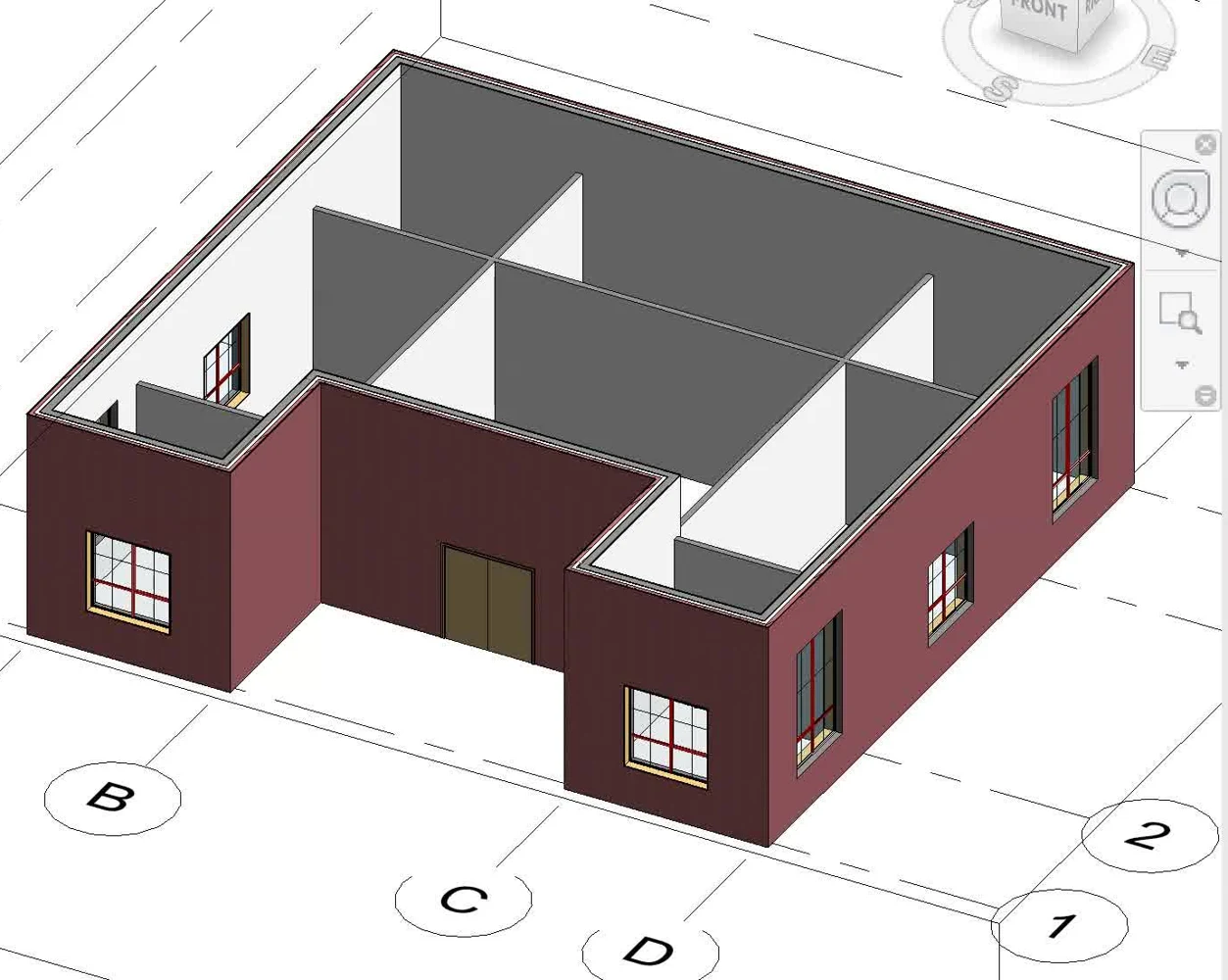
Build the first-level layout. Check grid spacing, wall heights and door swings.
Check your understanding
Answer first, then open the suggested answer.
QUESTIONS
01How is BIM different from Revit?
BIM is a process for creating and managing building information. Revit is software used within that process.
Review in video · 14:0002What makes a modelled wall different from a drawn line?
A modelled wall has geometry, properties and relationships, such as its material and level constraints.
Review in video · 09:3203How do category, family, type and instance relate?
Category is the broad group, such as Columns. A family defines a kind of column; a type defines a size or configuration. An instance is one column placed in the model.
Review in video · 24:3804Why start with a project template?
It provides prepared views and settings. Check that its units suit the exercise.
Review in video · 02:4505How do you enter one metre when project length units are millimetres?
06What do grids and levels control?
Grids provide horizontal reference positions; levels provide vertical reference heights.
Review in video · 07:4507Which grid moves when you edit a temporary dimension?
The selected grid moves. Select the grid you want to reposition before changing the dimension.
Review in video · 07:4508Why might a wall-height change be invisible in plan?
The plan may still cut through the same part of the wall. Check its Top Constraint and inspect it in 3D or elevation.
Review in video · 19:3709When do you need to load a door or window family?
When the required family is not already in the project. Choose a suitable type and place it in a wall.
Review in video · 23:1710What does Make Plan View do when you add a level?
It creates a plan view for the new level. If it is unchecked, the level still exists; you can create its plan view later.
Review in video · 15:02