Build the core model
Levels, structure and building envelope
Interpret drawing references and coordinate the office building’s columns, walls, floors, roofs and openings.
Learning goals
- Read grid, centre and face references correctly.
- Check wall, floor and roof connections.
- Position and verify doors and windows.
Week 10 · Build the core model
Select a chapter to jump to a topic.
In this video 09 chapters
- Build the core model
- Decide which reference you are measuring
- Columns need position and extent
- The envelope is a connected arrangement
- Roof slope is a deliberate decision
- A level constraint and an attachment differ
- Openings belong to a host and a layout
- Windows need horizontal and vertical checks
- Use the method with your assigned values
Week 10 · Real Building · Part 1
Select a chapter to jump to a topic.
Practice
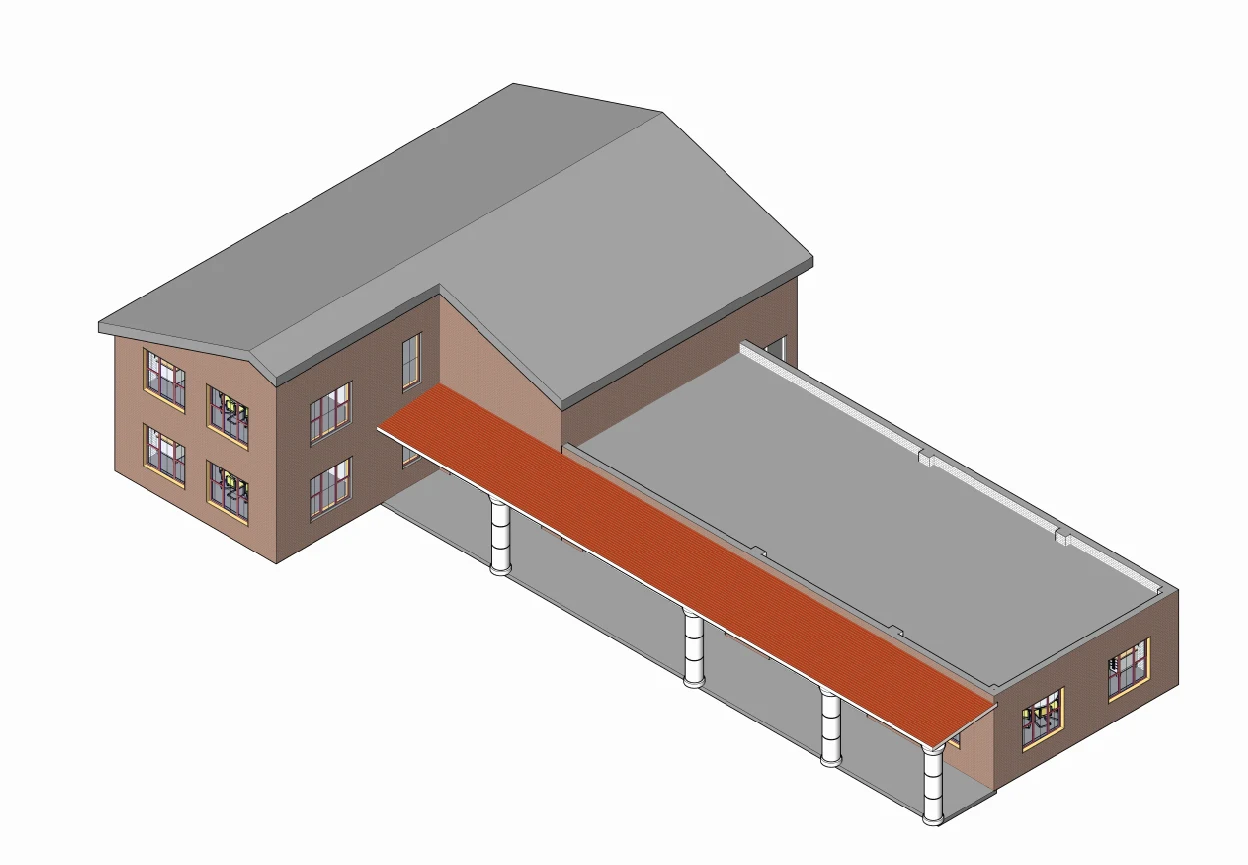
Build the office model using the demonstrated method. For assessed work, use the dimensions in your assignment brief.
Check your understanding
Answer first, then open the suggested answer.
QUESTIONS
01Why create levels and grids before building elements?
They provide reference heights and positions for placing and checking the model.
Review in video · 02:0502How can columns reach different roof heights?
Set each column’s Top Level to the appropriate roof level, then check the result in 3D.
Review in video · 14:0003A column is off-grid. What should you check?
Check the grid spacing and column position in plan. Confirm its type and alignment against the exercise drawing.
Review in video · 02:4604Why check wall constraints as well as the plan outline?
The outline shows horizontal position. Base and top constraints determine the wall’s vertical extent.
Review in video · 03:3005Why trim the floor sketch lines?
To close corners and remove unwanted extensions so the boundary matches the intended floor.
Review in video · 26:1106How do footprint edges control a roof’s shape?
The Defines Slope setting and slope value on each edge determine the roof form. Check the finished roof in 3D.
Review in video · 07:4407How do you make wall tops follow a sloping roof?
Use Attach Top/Base to attach the wall tops to the roof. Check for gaps or unintended intersections in 3D.
Review in video · 08:2808What should you check after placing a door?
Check its type, position, host wall and swing direction against the layout.
Review in video · 11:4609What does a window’s sill height control?
The height of the window sill above its associated level. Check the result in elevation or 3D.
Review in video · 12:2510How can you position windows precisely?
Use aligned dimensions to the window centres, then select a window and edit its dimension to set the required spacing.
Review in video · 55:46